
Running a Google Ads campaign is one of the most powerful ways to reach customers, grow a business, and establish digital authority. However, before ads start appearing on Google, advertisers often encounter an important step: Google Ads Identity Verification.
For many businesses, this process may feel confusing—especially when Google asks for personal or business documents. But verification is a mandatory and essential requirement to maintain platform security and protect users from misleading or fraudulent ads.
In this detailed guide, we will explore:
- Why Google Ads requires document verification
- What types of documents Google may ask for
- How to correctly submit those documents
- Common reasons verification fails
- How to avoid verification errors
This content is especially helpful for businesses looking for Google Ads PPC Services, companies searching for PPC Ads Services in Kolkata, or anyone planning to work with a ppc freelancer in kolkata to manage their ad campaigns.
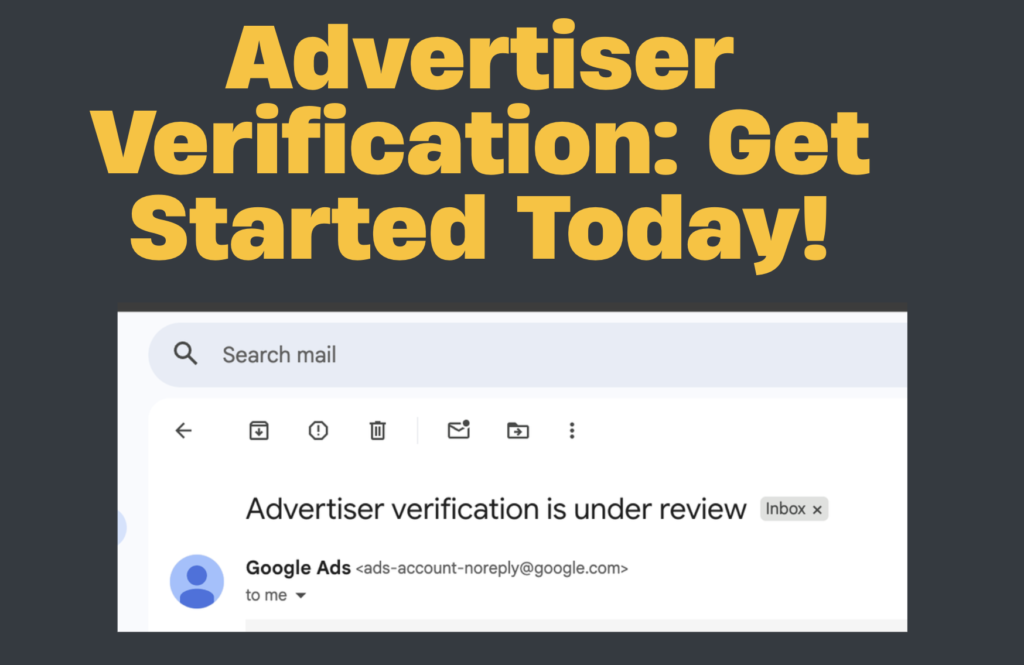
What is Google Ads Identity Verification?
Google Ads Identity Verification is a security process that allows Google to confirm:
- Who is running the ads
- Where the advertiser is located
- Whether the ads are legally compliant
- Whether the advertiser is a real, verifiable business
After verification, Google publicly shows an “About the Advertiser” disclosure on all ads. This ensures transparency for users and helps Google maintain trust across its advertising platform.
Why Does Google Require Document Verification?
Google enforces verification for several important reasons:
1. To Protect Users from Fraud
Many fake businesses try to run misleading ads. Verification blocks such advertisers.
2. To Comply with Local and International Laws
Different countries have strict rules about who can advertise online. Google ensures advertisers follow these laws.
3. To Maintain Transparency
Google wants customers to clearly know:
- Who is running the ad
- Their location
- Whether they are a legitimate business
4. To Prevent Misuse of Ads
Scam ads, identity theft, and misleading promotions are minimized through verification.
5. To Ensure Authenticity of Business Advertisers
Only verified and trusted advertisers can run campaigns, especially for:
- Financial services
- Healthcare
- Politics
- Local services
When Does Google Ask for Advertiser Verification?
Google may trigger verification when:
- You create a new Google Ads account
- You create a new campaign targeting sensitive industries
- There is sudden spending growth
- Your ads target specific regions like USA, Canada, Europe
- Google detects suspicious activity
- You run ads related to housing, finance, jobs, healthcare, or immigration
- You run political or election-related campaigns
If you use Google Ads PPC Services or work with a ppc freelancer kolkata, verification becomes necessary for account activation and smooth ad delivery.
Documents Google May Ask for During Verification
Google accepts multiple identity and business documents depending on the type of verification.
Below are the most common document requirements:
A. Accepted Identity Proof (For Individual Advertisers)
Google may ask for any one of the following:
1. Passport
- Must be valid and government-issued
- Clear photo and details required
2. Driver’s License
- Full document must be visible
- The name must match the Google Ads profile
3. Voter ID Card
- Accepted widely in India
- Must display name and date of birth
4. PAN Card (India)
- Used for personal identity verification
- Must be clear and readable
- Name must match exactly
B. Accepted Business Documents (For Company Verification)
If you are verifying a business or agency, you may need:
1. Business Registration Certificate
Issued by the government or MCA.
2. GST Certificate
Must include business name and address.
3. Utility Bills (Electricity, Water, Internet)
Must show the business address.
4. Business PAN Card
For entity-level verification.
5. Certificate of Incorporation
For private limited or LLP companies.
C. Additional Documents for Special Advertising Categories
For sensitive industries, Google may require:
1. Medical Certifications
For healthcare ads
2. Financial Licenses
For banking, insurance, loan ads
3. Legal Licenses
For immigration, legal, or documentation services
4. Political Authorization
For election-related ads
How to Submit Documents for Google Ads Verification (Step-by-Step Guide)
Follow the steps below for successful verification:
Step 1: Open Google Ads Account
Go to:
Tools & Settings → Billing → Advertiser Verification
Google will guide you through each step automatically.
Step 2: Select Verification Type
You may be asked to verify:
- Individual Identity
- Business Identity
- Business Operation
- Ad Content Responsibility
Step 3: Upload Required Documents
Make sure the following conditions are met:
✔ Upload clear, high-resolution images
✔ All four corners of the document must be visible
✔ No blurriness, glare, or shadows
✔ Information must match Google Ads profile exactly
Document formats accepted:
- JPG
- JPEG
- PNG
Step 4: Submit the Document
Click Submit.
Google takes 3–5 days to process the verification.
Step 5: Check Status
You can check verification status under:
Tools → Account Settings → Identity Verification
Common Reasons Why Google Verification Gets Rejected
Even if you upload the correct documents, Google may still reject them for the following reasons:
1. Name Mismatch
The name on the document must exactly match the Google Ads advertiser profile.
Example mismatch:
- Document: “Manik Paik”
- Ads profile: “Manik Paik PPC Services”
Even small differences cause rejection.
2. Blurry Document
Unclear photos or scanned copies cause verification failure.
3. Cropped Documents
If the document edges are cut, Google cannot validate authenticity.
4. Glare on Laminated Cards
Shiny surfaces create unreadable sections.
5. Expired Documents
Expired passports or licenses are rejected.
6. Wrong Document Type
Example:
Trying to verify business identity with a personal ID.
7. PDF Uploaded Instead of Image
Google prefers JPG/JPEG/PNG and may reject PDF.
8. Backside Missing
Some documents require both sides.
9. Mismatched Address
For business verification, address must match billing profile.
How to Avoid Verification Issues
To get verified smoothly:
- Use original documents
- Ensure high-quality photos
- Match your name exactly
- Avoid glare and shadows
- Use updated documents
- Ensure business information is correct
If you’re uncertain, a ppc freelancer kolkata or expert offering Google Ads PPC Services can guide you professionally through the process.
Should You Hire a PPC Expert for Google Ads Verification?
Verification can be confusing for new advertisers.
Working with an experienced Google Ads specialist ensures:
- Proper document matching
- Error-free submission
- Quick verification
- Smooth campaign launch
- Better ad performance
Businesses in Kolkata often choose a ppc freelancer kolkata because of:
- Fast support
- Affordable pricing
- Local understanding
- Dedicated campaign monitoring
If you are looking for PPC Ads Services in Kolkata, working with a certified expert ensures faster approval and better ROI.
Final Thoughts
Google Ads Verification is an essential step to ensure safety, security, and transparency across the platform. Whether you are an individual freelancer, a small business owner, or a large company, you must complete identity verification before your ads can run smoothly.
The verification process may feel complex, but with the right documents and proper submission, it becomes straightforward.
If you need help with account setup, verification, or campaign management, choosing professional Google Ads PPC Services, especially from an experienced ppc freelancer kolkata, ensures that your campaigns run successfully without interruptions.
